
LGA 1155 Motherboard H61 for Intel 2th/3th Core i7/i5/i3 DDR3
5.0Editor score
Supports older Intel Core processors
Includes M.2 SSD interface option
Offers dual channel DDR3 memory
This guide compares the top cheap motherboard options for budget builds across AMD and Intel platforms to help you find reliable performance without overspendin
Finding a cheap motherboard does not mean sacrificing reliability or essential features for your new computer build. You need a board that supports your chosen processor and provides stable power delivery for daily tasks or gaming.
We compared ten highly rated models based on their socket compatibility, expansion slots, and connectivity options to ensure they meet modern standards. This list covers various form factors and chipsets suitable for different budget constraints.
Each pick highlights specific strengths like VRM quality or storage support to help you decide quickly. Please note that product availability and pricing fluctuate often so verify current details before finalizing your purchase decision.
5.0Editor score
4.5Editor score

4.5Editor score
The following table provides a side-by-side comparison of all ten selected motherboards to help you quickly identify the right fit for your specific processor and case requirements.





This board ranks highly for its balance of modern features and affordability. It supports AMD Ryzen 5000 series out of the box with a robust VRM design.
We may earn a commission when you buy through this link, at no additional cost to you.
The digital 3+3 power phase ensures stable power delivery for mid-range processors. You also get two M.2 slots for fast storage configuration.
Trade-offs include a simpler audio solution and fewer USB ports on the rear panel. These are acceptable given the low cost of the board.
Buyers looking for a compact build that handles Ryzen CPUs well should consider this model. It offers excellent value for entry-level gaming systems.
The digital VRM design provides consistent power to the CPU even under load.
Two M.2 slots allow for fast NVMe drives alongside traditional SATA storage.
We may earn a commission when you buy through this link, at no additional cost to you.
This is the most affordable option available for users needing a basic system. It supports second and third generation Intel Core processors effectively.
We may earn a commission when you buy through this link, at no additional cost to you.
The board includes essential features like HDMI for integrated graphics and basic storage connectivity. M.2 support adds modern storage utility to older hardware.
Users should note the lack of documentation and battery in the package. These minor omissions do not impact the core functionality of the board.
Ideal for office machines or media centers using existing legacy parts. It is a top choice when keeping costs to an absolute minimum.
Works perfectly with older Xeon and Core series processors for basic tasks.
Provides both HDMI and VGA to ensure compatibility with old and new monitors.
We may earn a commission when you buy through this link, at no additional cost to you.
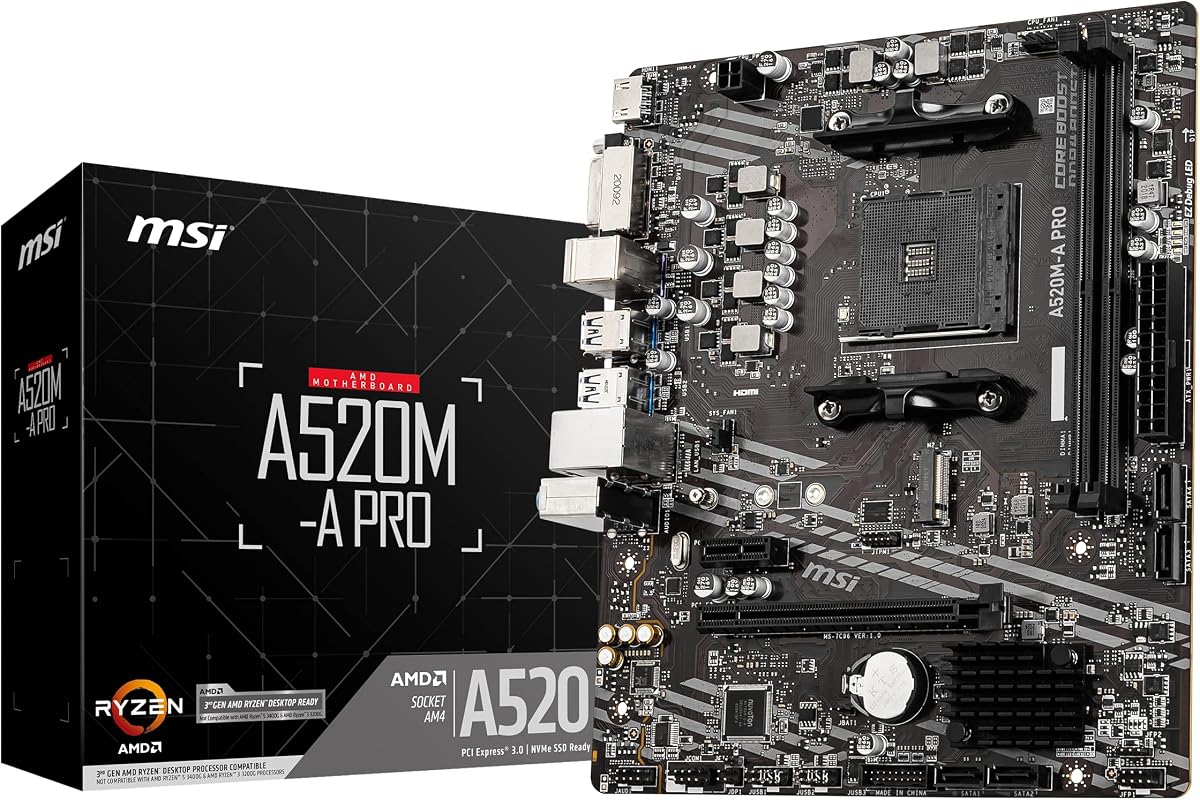
MSI delivers a strong performance board for AMD users at a very reasonable price. It supports the latest Ryzen processors and high speed RAM configurations.
We may earn a commission when you buy through this link, at no additional cost to you.
The Turbo M.2 slot maximizes performance for NVMe SSDs. Audio Boost ensures you get clear sound without needing extra equipment.
Trade-offs involve PCIe 3.0 limits which are fine for most current GPUs. The two memory slots mean you cannot expand beyond 64GB easily.
This is a top pick for anyone building a small form factor gaming PC. It balances cost and features perfectly for the mid-range market.
Supports overclocking up to 4600MHz to boost system responsiveness significantly.
Dragon Center provides an easy interface for tuning system settings.
We may earn a commission when you buy through this link, at no additional cost to you.
This board offers excellent compatibility with a wide range of AMD CPUs. It includes modern features like PCIe 4.0 which future proofs your system.
We may earn a commission when you buy through this link, at no additional cost to you.
The power phase design ensures stable performance even when pushing limits. It also offers three video outputs for maximum monitor flexibility.
Users might miss more USB ports compared to pricier models. However the protection features and PCIe support make up for this.
A solid choice for those who want high speed RAM and modern features. It is very well built for the price point.
HDMI DVI and VGA ports allow connection to almost any display type.
Full Spike Protection guards ports against electrical surges and damage.
We may earn a commission when you buy through this link, at no additional cost to you.
MSI focuses on thermal management with this model to keep systems quiet and cool. It supports a broad range of Ryzen processors out of the box.
We may earn a commission when you buy through this link, at no additional cost to you.
The double M.2 connector setup allows for fast NVMe storage configuration. Core Boost technology helps maintain steady performance during heavy loads.
Trade-offs include fewer rear USB ports compared to competitors. The passive cooling is efficient but may not suit extreme overclockers.
Great for silent office or home theater builds needing reliable storage speeds. It offers strong thermal features at an accessible price point.
Passive chipset heatsinks reduce noise while keeping components cool.
Supports dual M.2 drives for high speed and large capacity storage.
We may earn a commission when you buy through this link, at no additional cost to you.
This board stands out with integrated wireless connectivity which simplifies cable management. It is built for gamers who need reliable network performance.
We may earn a commission when you buy through this link, at no additional cost to you.
The Flash BIOS Button is a huge help for compatibility updates without a CPU. It supports high speed memory and has solid audio features.
While slightly more expensive the convenience of Wi-Fi is hard to beat. Users get a feature rich experience that saves time on setup.
Perfect for those who want a complete wireless capable system out of the box. It is a great all rounder for modern setups.
Built-in Wi-Fi and Bluetooth remove the need for external adapters.
Flash BIOS Button lets you update firmware without other components.
We may earn a commission when you buy through this link, at no additional cost to you.
For users needing an ATX board with high end features this is the top choice. It supports a wide range of processors with exceptional stability.
We may earn a commission when you buy through this link, at no additional cost to you.
The 10+3 power phase design delivers clean power to the CPU. You get a front USB-C port which is rare at this price.
The integrated I/O shield makes building much faster and easier. While it lacks Wi-Fi the wired networking is reliable and fast.
Ideal for enthusiasts who want a full size board with top tier specs. It offers premium features without the high cost.
Twin 10+3 power phase ensures steady current for demanding CPUs.
Front USB Type-C allows easy access to modern devices.
We may earn a commission when you buy through this link, at no additional cost to you.
This board is designed for small cases and basic office or home use. It supports standard DDR4 memory and modern video output standards.
We may earn a commission when you buy through this link, at no additional cost to you.
The HDMI and D-Sub ports ensure you can connect any monitor. It fits well into compact cabinets without sacrificing essential functions.
Users should expect a basic feature set without high end gaming capabilities. This is perfectly acceptable for general computing tasks.
Great for small office PCs or media boxes where space is limited. It is a reliable entry point for AMD builds.
The MATX format makes it ideal for compact and budget friendly builds.
Supports DDR4 memory for high speed upgrades and performance.
We may earn a commission when you buy through this link, at no additional cost to you.
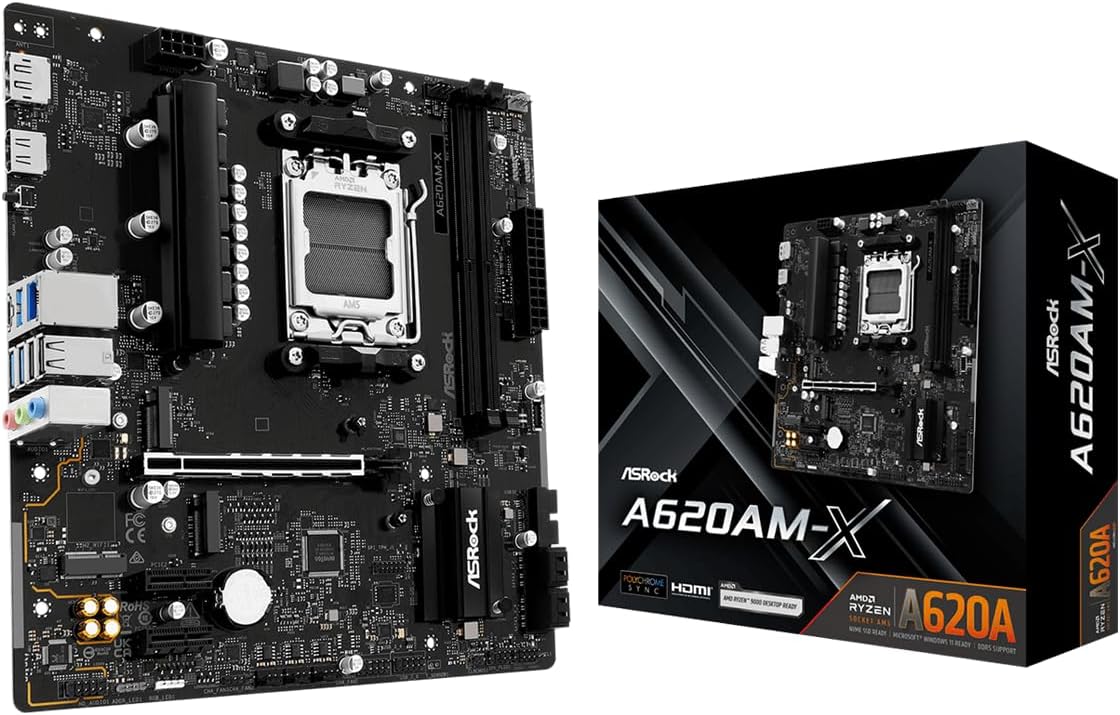
This model brings you into the latest AMD ecosystem with excellent future proofing. It supports Ryzen 7000 series and newer processors natively.
We may earn a commission when you buy through this link, at no additional cost to you.
You get DDR5 memory support which ensures high speeds for demanding tasks. The 2.5G LAN provides fast network connectivity for modern internet.
Trade-offs include the cost of new CPUs and RAM. However the BIOS Flashback makes updates simple without needing existing hardware.
Best for users building a system intended to last many years. It is the most affordable way to enter the AM5 platform.
AM5 Socket ensures compatibility with upcoming Ryzen processor generations.
2.5G LAN offers faster wired connections than standard Gigabit LAN.
We may earn a commission when you buy through this link, at no additional cost to you.
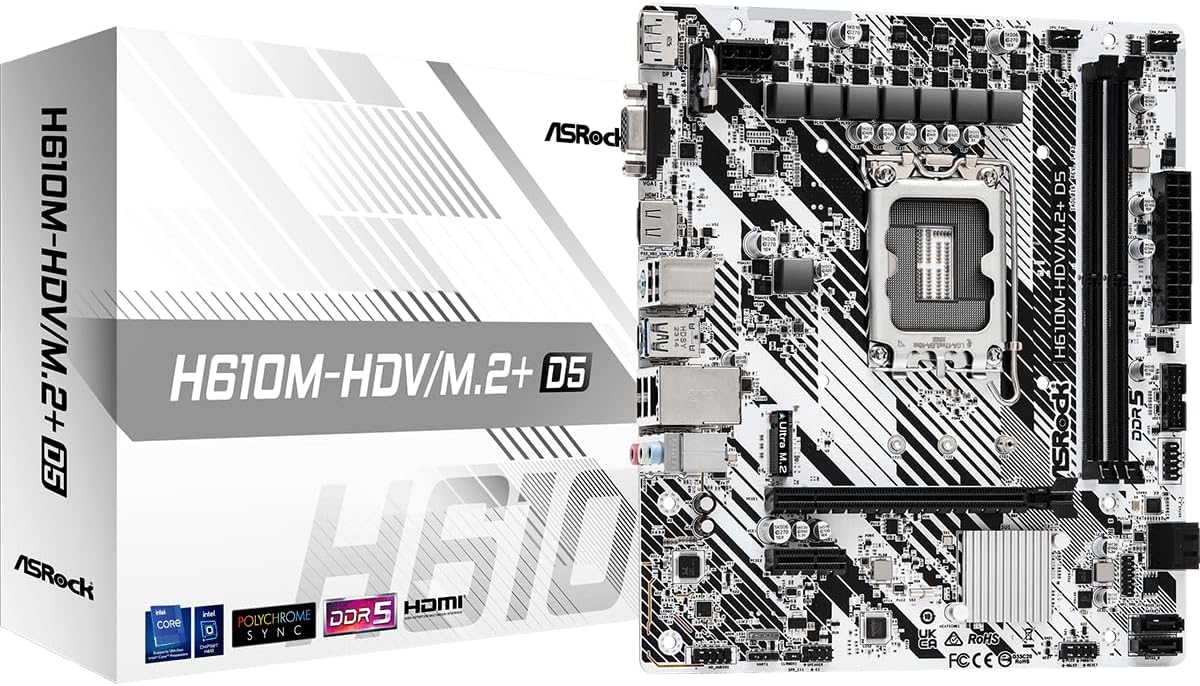
Intel users get a strong entry point into the latest generation hardware with this board. It supports the 12th to 14th Gen Core processors effectively.
We may earn a commission when you buy through this link, at no additional cost to you.
The DDR5 support ensures high speed memory performance for multitasking. It includes modern ports and PCIe 4.0 for fast storage expansion.
Trade-offs include lack of CPU overclocking which is standard for this tier. Audio features are basic but sufficient for general use.
Perfect for office or home builds using modern Intel hardware. It offers the best balance for entry-level Intel enthusiasts.
Supports 12th to 14th Gen processors with excellent stability.
Supports DDR5 5600MHz for fast system responsiveness.
We may earn a commission when you buy through this link, at no additional cost to you.
Choosing the right motherboard requires understanding your processor and future upgrade needs. We break down the most important factors to consider.
The socket type determines which CPUs you can use. Always match the motherboard to your processor generation to ensure it works.
Always verify the socket matches your CPU model before buying any hardware.
DDR5 boards are newer and faster but cost more than DDR4. Check how many slots are available if you plan to upgrade RAM later.
Count the slots and confirm the memory type matches your upgrade plans.
Micro-ATX boards fit small cases while ATX boards offer more expansion. Make sure your case supports the board size you select.
Check your case specifications before purchasing a larger or smaller board.
High core count CPUs need more power phases to run cool. Look for digital VRMs if you plan to use mid or high range processors.
Select a board with enough power phases for your chosen CPU.
PCIe 4.0 slots are necessary for latest GPUs and storage. Ensure there are enough slots for your graphics card and drives.
Check the number of PCIe slots for your GPU and storage needs.
M.2 slots provide faster boot times than standard SATA drives. Confirm the number and speed of M.2 slots on your board.
Prioritize boards with multiple fast M.2 slots for storage speed.
USB ports and LAN speed vary by board. Ensure you have enough USB ports for your peripherals and network.
Check the rear panel for the ports you need daily.
Flashback buttons allow BIOS updates without a CPU. This is helpful for future proofing new CPU support.
Look for Flashback features to ensure compatibility with new CPUs.
Always handle the motherboard by the edges to avoid touching sensitive circuits. Static electricity can damage components if not discharged properly before installation.
Use proper mounting standoffs in your case to prevent the board from touching metal directly. This reduces risk of short circuits and physical damage.
Keep dust out of slots and fans by cleaning regularly with compressed air. Dust buildup can lead to overheating and reduced performance over time.
Yes cheaper models might have fewer features or less stable power delivery. However many budget boards provide enough performance for gaming and daily tasks.
No DDR5 memory only works with boards that support the AM5 or LGA1700 sockets. Older boards typically use DDR4 or DDR3 memory.
Yes Micro-ATX boards are smaller than standard ATX boards. They fit in most cases but have fewer expansion slots than larger models.
PCIe 4.0 slots are used for faster graphics cards and storage devices. They provide higher bandwidth for modern hardware components.
No most cheap motherboards have Gigabit LAN ports for wired internet. You can connect via Ethernet cable without needing built-in Wi-Fi.
BIOS Flashback lets you update the board firmware without a CPU installed. This helps support newer processors without needing a new board.
We reviewed ten excellent cheap motherboard options ranging from legacy support to next generation platforms. The MSI A520M-A PRO offers the best value for AMD builders.
Prioritize socket compatibility and form factor when making your decision. Choosing the right board now ensures stability for your entire system.
Prices and availability change frequently so check current listings before purchasing. This guide helps you narrow down the best choices for your needs.