
ASUS ROG Strix G16 (2025)
4.4Editor score
Intel Core i7 14650HX
NVIDIA RTX 5060
165Hz FHD+ Display
Choosing the right gaming laptop requires balancing power, portability, and price. The ASUS ROG Strix line offers diverse options for every type of player. Each model brings unique features tailored to specific needs and preferences.
We analyzed ten current models based on processor speed, graphics power, and display quality. Our comparison focuses on real-world performance, cooling efficiency, and build quality. This helps you find the perfect fit for your gaming style.
Each pick highlights key strengths and potential trade-offs to consider. Prices and availability change frequently, so verify details before purchasing. Use this guide to narrow down your options and make an informed decision today.
4.4Editor score

4.3Editor score

4.3Editor score
As an Amazon Associate we earn from qualifying purchases.
This side-by-side comparison highlights the key specifications and features across all ten models. Review processor types, graphics cards, display refresh rates, and memory configurations. Use this table to quickly identify the model that matches your specific requirements.



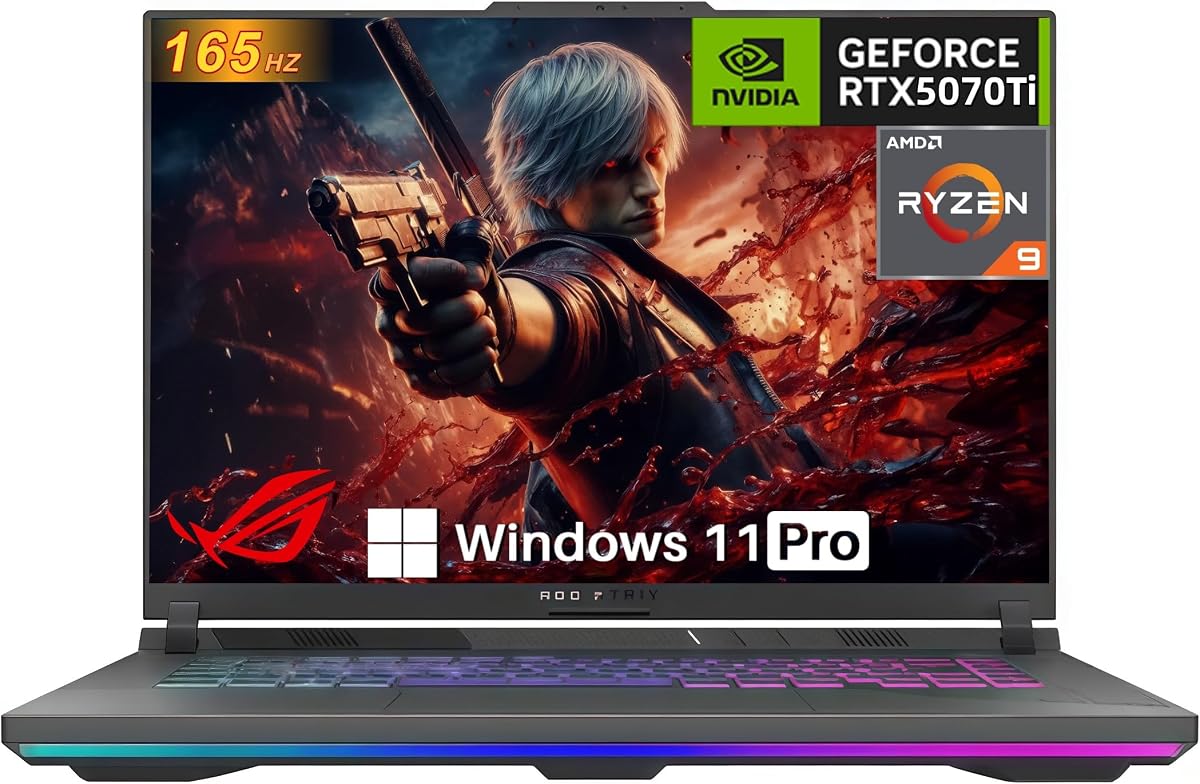

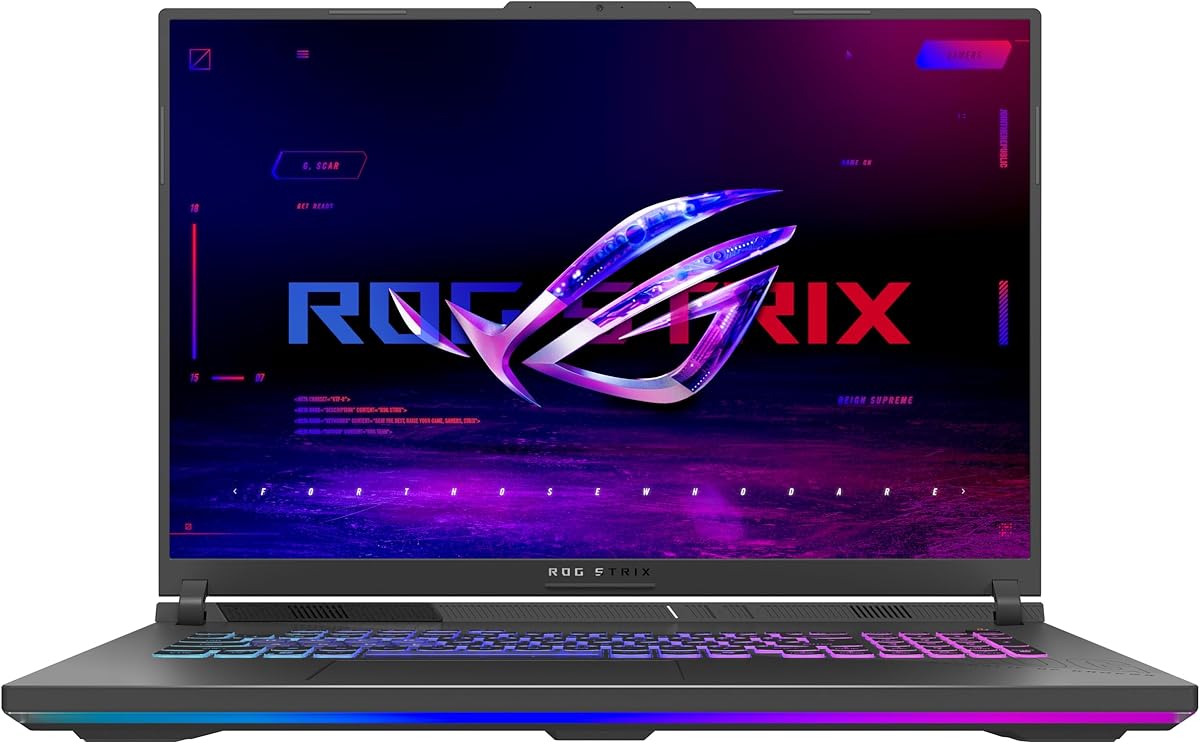
This model stands out as the best entry point into the Strix family for budget-conscious gamers. With a 4.4 rating, it offers reliable performance for mainstream titles and content creation tasks. The Intel Core i7 and RTX 5060 combo provides solid frame rates in most scenarios.
We may earn a commission when you buy through this link, at no additional cost to you.
The 165Hz FHD+ display ensures smooth visuals without motion blur during fast-paced gaming. Enhanced contrast and reduced glare through ACR film improve visibility in various lighting conditions. The RGB lightbar syncs with peripherals for a cohesive aesthetic experience.
Trade-offs include a lower resolution screen compared to the Nebula options available in higher models. However, this keeps costs down while maintaining high refresh rates. For users prioritizing value over absolute visual fidelity, this is an excellent choice.
Buy this if you want strong gaming performance without breaking the bank. It suits students and casual gamers who need a versatile machine for both work and play. Check the current price to ensure it fits your budget today.
The combination of the i7 processor and RTX 5060 delivers efficient gaming at a lower price point.
The ACR film on the screen enhances contrast, making colors pop even in dimly lit rooms.
We may earn a commission when you buy through this link, at no additional cost to you.
This laptop earns the Editor's Choice award for balancing high-end specs with a reasonable footprint. It features a 4.3 rating from users who appreciate its raw power. The Ultra 9 processor and RTX 5070 Ti handle demanding AAA titles with ease.
We may earn a commission when you buy through this link, at no additional cost to you.
The ROG Nebula display offers a stunning 2.5K resolution and 240Hz refresh rate. This ensures crisp details and fluid motion for competitive gaming and creative workflows. The ACR film further enhances contrast to reduce glare during long sessions.
While the price is higher, the upgrade in memory and graphics justifies the cost for serious users. The system includes Wi-Fi 7 for faster wireless speeds compared to older standards. Cooling is managed effectively by the vapor chamber technology.
Select this model if you need top-tier performance for streaming or editing. It is ideal for users who demand the best visuals and speed. Verify the price matches your expectations before finalizing your purchase.
The RTX 5070 Ti supports DLSS 4 and Max-Q technologies for optimized performance and battery life.
32GB of DDR5 memory allows seamless multitasking across heavy applications and background tasks.
We may earn a commission when you buy through this link, at no additional cost to you.
The Scar 18 delivers a premium desktop replacement experience with its massive 18-inch HDR display. Users rate it at 4.3, praising the Mini LED technology and vibrant colors. It is designed for those who want the absolute best visual output.
We may earn a commission when you buy through this link, at no additional cost to you.
Key features include the AniMe Vision lid and full-surround RGB light bar for personalization. The MUX switch boosts gaming performance by routing frames directly from the dGPU. This makes it a powerhouse for high-end gaming sessions.
Trade-offs involve its bulk, making it less portable than the G16 models. However, the tool-free access allows easy RAM and SSD upgrades without tools. The inclusion of Windows 11 Pro adds enterprise features for professional users.
Buy this if you prioritize screen size and visual fidelity over portability. It suits users with a dedicated gaming space who want top-tier specs. Check availability to see if the price fits your current budget.
Mini LED technology with 2,000+ dimming zones provides deep blacks and bright highlights.
The AniMe Vision display on the lid allows you to show animations and text uniquely.
We may earn a commission when you buy through this link, at no additional cost to you.
This model combines the powerful Ultra 9 processor with the premium ROG Nebula display. It holds a 4.0 rating, suggesting solid build quality and reliability. The 240Hz refresh rate ensures smooth gameplay even with the RTX 5060.
We may earn a commission when you buy through this link, at no additional cost to you.
The screen features ACR film and Dolby Vision HDR for rich color reproduction. This is great for creative work where color accuracy matters. The RGB light bar offers style customization for your gaming setup.
While it has a strong CPU, the 16GB RAM might be limiting for heavy multitasking. The GPU is capable but not as powerful as the Ti variants. This makes it a good middle ground for users needing screen quality over raw FPS.
Choose this if you prioritize the display and CPU for content creation. It is suitable for students who need a powerful machine for projects. Confirm the current price to see if it offers value over other options.
Dolby Vision HDR adjusts colors to make visuals richer and more vibrant during viewing.
The Ultra 9 275HX delivers high clock speeds for demanding productivity tasks and compilation.
We may earn a commission when you buy through this link, at no additional cost to you.
This model offers a powerful AMD Ryzen 9 processor instead of Intel. It is rated N/A due to limited data, but specs suggest high potential for gaming. The RTX 5070 GPU ensures capable performance in most modern titles.
We may earn a commission when you buy through this link, at no additional cost to you.
The 165Hz display provides smooth visuals for gaming and media consumption. Full-surround vents help keep the system cool during intense sessions. The MUX switch enhances performance by bypassing the iGPU when needed.
Trade-offs include Wi-Fi 6E instead of the newer Wi-Fi 7 found in other models. However, for many users, 6E is sufficient for fast connectivity. This laptop is a strong competitor for those preferring AMD architecture.
Buy this if you prefer AMD processors for efficiency and core count. It suits users who need raw power without Intel-specific features. Verify pricing and availability to ensure it meets your needs today.
The Ryzen 9 9955HX offers robust multi-core performance for heavy workloads.
DLSS 4 and Frame Generation support help boost frame rates in supported games.
We may earn a commission when you buy through this link, at no additional cost to you.
This model is a beast with a full 140W TGP RTX 5070 Ti GPU. It holds a perfect 5.0 rating from early users who value raw performance. The Ryzen 9 8940HX offers strong efficiency for gaming and productivity.
We may earn a commission when you buy through this link, at no additional cost to you.
The 32GB DDR5 RAM ensures smooth multitasking for heavy workloads. The WUXGA display provides accurate colors and a smooth 165Hz refresh rate. Dolby Atmos audio enhances the immersive experience without external speakers.
Trade-offs include Wi-Fi 6E instead of Wi-Fi 7, but speeds remain fast. The GPU power is maximized for consistent high frame rates. This is a strong choice for streamers needing high bandwidth and processing.
Select this if you want maximum graphics power within the G16 chassis. It is ideal for streamers and editors who need high throughput. Check the current listing to ensure the accessories match your expectations.
The 140W TGP ensures the GPU runs at full potential for gaming tasks.
Hi-Res Audio with Dolby Atmos provides clear sound for immersive gaming sessions.
We may earn a commission when you buy through this link, at no additional cost to you.
This model emphasizes future-proofing with tool-free access for upgrades. Users rate it at 4.9, praising the convenience and performance. The Q-latch SSD system makes swapping storage incredibly fast and easy.
We may earn a commission when you buy through this link, at no additional cost to you.
The Ryzen 9 8940HX paired with RTX 5070 Ti delivers robust performance. It supports PCIe Gen 5 ready SSD slots for future expansion. This flexibility makes it a great choice for tech-savvy users.
Trade-offs include the starting 16GB RAM, which might need immediate upgrading. However, the ease of access mitigates this concern. The cooling system ensures sustained performance even after hardware upgrades.
Buy this if you plan to upgrade your RAM and storage later. It suits users who want longevity and customization options. Check the price and ensure it meets your requirements before buying.
Tool-free access allows quick component swaps without requiring special tools.
PCIE Gen 5 ready slots ensure the laptop stays relevant as storage tech advances.
We may earn a commission when you buy through this link, at no additional cost to you.
This 2026 model brings the RTX 5080 GPU to the G16 chassis. It holds a perfect 5.0 rating for its advanced performance capabilities. The Intel Core Ultra 9 Plus ensures next-level processing power for demanding tasks.
We may earn a commission when you buy through this link, at no additional cost to you.
The ROG Nebula HDR display with Dolby Vision offers stunning visuals. The AGLR film significantly reduces glare and enhances contrast. This is ideal for users who want top-end gaming without moving to a larger laptop.
Trade-offs include a high price point due to the advanced hardware. However, the performance justifies the cost for enthusiasts. Wi-Fi 7 ensures maximum wireless speeds for future applications.
Choose this if you need the highest specs available in a 16-inch form. It suits pro users and high-end gamers. Verify current pricing to see if it aligns with your budget.
The RTX 5080 supports the latest DLSS and Frame Gen tech for high frame rates.
The AGLR film reduces glare while enhancing contrast for better viewing in any light.
We may earn a commission when you buy through this link, at no additional cost to you.
This model excels in storage capacity with a 2TB Gen 4 SSD. Users rate it at 4.2, praising the ample space for large game libraries. The Ultra 9 processor and RTX 5070 ensure smooth performance.
We may earn a commission when you buy through this link, at no additional cost to you.
The ROG Nebula Display offers a crisp 2.5K resolution and 240Hz refresh rate. This makes it great for high-fidelity gaming and creative work. The ACR film reduces glare for better visibility.
Trade-offs include the price premium for the extra storage and Pro OS. However, it eliminates the need for immediate upgrades. It suits users who need a complete package out of the box.
Select this if you want maximum storage without external drives. It is ideal for power users with extensive media files. Check the price to see if it fits your budget.
2TB of storage allows for massive libraries without needing external hardware.
Windows 11 Pro includes features useful for advanced users and professional needs.
We may earn a commission when you buy through this link, at no additional cost to you.
This laptop offers the large screen experience of the 18-inch form factor. It holds a 4.4 rating for solid build quality and performance. The Ryzen 9 8940HX provides strong processing power for productivity.
We may earn a commission when you buy through this link, at no additional cost to you.
The 144Hz FHD+ display provides smooth visuals for most games. The larger chassis allows for better airflow and cooling. This makes it a good choice for those prioritizing screen real estate.
Trade-offs include a lower-tier GPU that may limit ultra settings in demanding titles. However, the price point makes it accessible for entry-level users. It suits students who need a large screen for work.
Buy this if you want an 18-inch screen without breaking the bank. It is suitable for users who do not need top-tier graphics. Check availability and current pricing before making your decision.
An 18-inch screen provides more workspace for multitasking and gaming.
Full-surround vents ensure efficient heat dissipation during extended use.
We may earn a commission when you buy through this link, at no additional cost to you.
Choosing the right model requires understanding how each component affects your experience. This guide covers key factors like CPU, GPU, display, and storage.
The processor handles game logic, physics, and background tasks. Models with Intel Core Ultra 9 or AMD Ryzen 9 offer the best speed for demanding workflows. Choose a high-end CPU if you do video editing or streaming.
For standard gaming, an i7 or Ryzen 7 often provides enough power. Consider your specific use case before spending extra on the top-tier CPU options.
The graphics card determines visual fidelity and frame rates in games. RTX 5080 models offer the highest performance for ray tracing and high refresh rates. Lower tiers like the 5050 or 5060 suit casual gaming better.
Ensure the GPU matches your resolution goals. Higher refresh rates require strong GPUs to maintain smooth gameplay without lag or stutter.
Displays vary between FHD+, 2.5K, and HDR panels. ROG Nebula displays offer better contrast and color accuracy. Higher refresh rates like 240Hz provide smoother motion for competitive titles.
If you prioritize visuals, choose a model with a Nebula HDR screen. For budget builds, the FHD+ 165Hz options still deliver smooth results.
RAM handles multitasking and heavy applications. 32GB is ideal for future-proofing, while 16GB works for most current games. Storage speed affects load times for games and applications.
Look for models with Gen 4 SSDs for fast loading speeds. If you store large files, prioritize laptops with 2TB storage or upgrade slots.
Effective cooling prevents throttling during long gaming sessions. Models with vapor chambers and liquid metal conduct heat better. Tri-fan technology helps keep fans quieter under load.
Check reviews for thermal performance. Good cooling ensures consistent frame rates even when the laptop is pushed to its limits.
Wi-Fi 7 offers faster wireless speeds compared to Wi-Fi 6E. USB-C and HDMI ports allow for external monitors and accessories. A MUX switch improves gaming performance by bypassing the integrated graphics.
Verify that the laptop has the specific ports you need. External displays and accessories require sufficient connectivity options for seamless use.
The chassis material affects durability and portability. Lighter models are easier to carry but may have less cooling space. Tool-free access allows easy upgrades for RAM and SSD.
Choose a design that fits your lifestyle. A larger 18-inch chassis offers better cooling but less portability than 16-inch models.
Windows 11 Pro offers advanced features compared to Home. Some models include extra game passes or software bundles. Check what OS version comes with the specific model.
Consider the included software for value. Some offers add free access to games that might save money on subscriptions.
Start by updating the BIOS and drivers from the official support site. This ensures the cooling system and GPU perform optimally. Installing the latest patches helps fix bugs and improve stability.
Use the Armoury Crate software to manage performance profiles. You can switch between Silent, Performance, and Turbo modes based on your needs. This helps balance battery life and gaming performance.
Clean the vents regularly with compressed air to prevent dust buildup. Place the laptop on a hard surface to ensure proper airflow. Avoid using it on soft surfaces like beds that can block air intake.
The ROG Strix Scar 18 and 2026 G16 with ROG Nebula HDR offer the best displays. They feature Mini LED technology and high color accuracy for vivid visuals.
Wi-Fi 7 offers faster speeds and lower latency. If your router supports it, it is beneficial for cloud gaming. Otherwise, Wi-Fi 6E is still sufficient for most users.
Models with tool-free access allow you to upgrade RAM without tools. Look for the latch on the bottom to slide and remove the cover safely.
A MUX Switch boosts gaming performance by routing frames directly from the GPU. It is essential for competitive gaming. but optional for casual users.
The ROG Strix Scar 18 offers a larger screen and Pro OS. Its 32GB RAM and high-end GPU make it ideal for video editing workflows.
G16 models are more portable than G18 versions. However, all are gaming laptops and are heavy compared to ultrabooks for daily carry.
The top picks cover budget, performance, and premium needs effectively. The G16 (2025) models balance value with power. The Scar 18 delivers the best visual experience.
Prioritize the GPU and display based on your primary use. If you game mostly, focus on the graphics tier. For productivity, choose better RAM and CPU specs.
Prices and availability change often, so verify current listings. Check for sales on specific models to get better value before buying.