
BenQ TH671ST
4.4Editor score
Native 1080p Resolution
Low Input Lag Gaming
Short Throw Design
This guide compares the top Benq Projector for Golf Simulator models to help you choose the best brightness and resolution for your indoor setup.
Finding the right Benq Projector for Golf Simulator is crucial for an immersive indoor experience. You need high brightness and accurate colors to see every detail on the virtual course clearly.
We evaluated ten top models based on resolution, throw distance, and compatibility with golf software. Our analysis focuses on performance in garage or basement environments where light control varies.
Each pick highlights key strengths and potential trade-offs for your specific space. Please note that prices and availability change frequently so check current listings before purchasing.
4.4Editor score

3.5Editor score

5.0Editor score
This side-by-side comparison highlights the technical specifications and unique features of each model to help you decide which fits your simulator room best.


The BenQ AH700ST stands out as a purpose-built solution for golf simulators with its 4000 ANSI lumens brightness and Full HD resolution. This model delivers vibrant visuals that remain clear even when ambient light is present in your simulation room.
We may earn a commission when you buy through this link, at no additional cost to you.
Its dedicated Golf picture mode optimizes contrast and color to enhance the realism of fairways and greens. The short-throw ratio allows placement closer to the screen reducing shadows cast by players during swings.
While it is not explicitly marketed as a gaming projector the laser source ensures consistent performance over time without lamp replacements. The color accuracy with 95% Rec. 709 coverage helps render textures realistically.
This projector is ideal for users who want a reliable brightness and optimized settings without complex calibration. It balances performance and convenience effectively for serious indoor golf training and entertainment.
The specialized Golf mode adjusts color and contrast to make grass and sky details pop on screen for a more immersive experience.
Short throw technology means you can mount the projector closer to the screen allowing more room for your swing path and simulator equipment.
We may earn a commission when you buy through this link, at no additional cost to you.
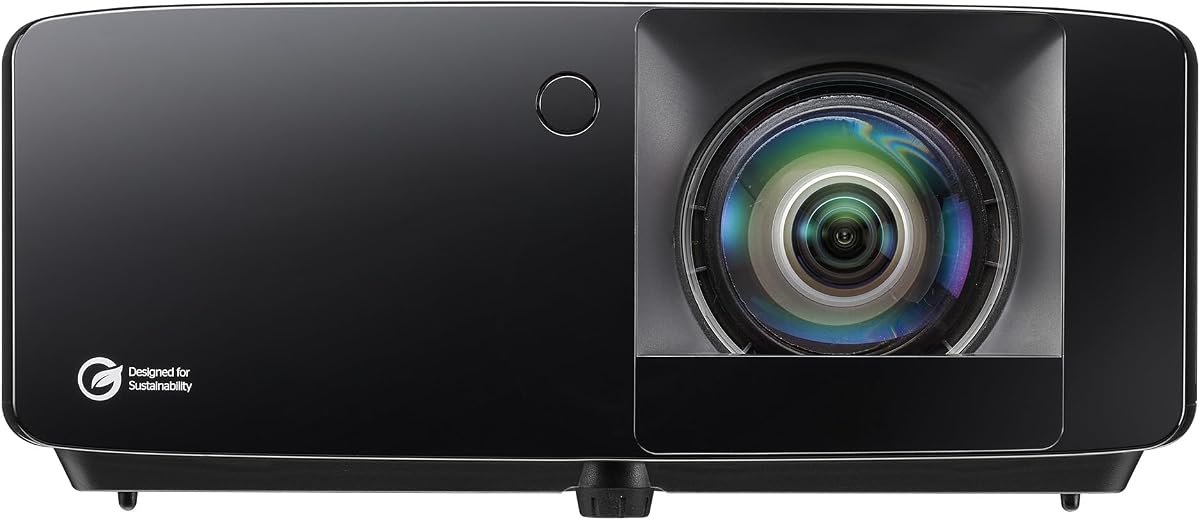
The BenQ TH671ST offers a cost-effective entry into golf simulation with solid 1080p resolution and 3000 lumens brightness. It is widely recognized as a gaming projector which translates well to responsive simulator software.
We may earn a commission when you buy through this link, at no additional cost to you.
Its ultra-fast low input lag ensures that the feedback from your swing or ball flight displays without noticeable delay. This responsiveness is crucial for maintaining immersion during play and practicing timing.
Although it lacks a specific golf mode the high native contrast ratio delivers clear images that define edges and textures well. The short throw design allows placement from just five feet away for a large image.
This model suits budget-conscious buyers who prioritize performance per dollar. It is a versatile choice that works for both gaming and simulation tasks in home entertainment spaces.
Optimized for low latency this projector ensures smooth motion rendering which is beneficial for fast-paced simulation feedback and interactive golf applications.
With a short throw lens you can project a 100 inch screen from five feet away saving valuable floor space in compact simulator setups.
We may earn a commission when you buy through this link, at no additional cost to you.
The BenQ LK936ST represents the premium end of the spectrum with native 4K UHD resolution and 5100 ANSI lumens brightness. This level of output ensures clear images even in well-lit environments.
We may earn a commission when you buy through this link, at no additional cost to you.
Its short-throw ratio of 0.81 to 0.89 helps keep the projector out of the swing zone while maintaining a large screen size. The laser light source provides up to 20000 hours of consistent performance.
Versatile connectivity includes dual HDMI and DisplayPort allowing seamless integration with simulator computers and media players. Lens shift options make it easy to align the image without distorting the picture.
This projector is best for professional or high-end home setups where image fidelity and brightness are top priorities. It delivers a sharp and immersive viewing experience for serious golf enthusiasts.
Native 4K resolution provides razor-sharp detail for course textures and UI elements ensuring a crisp and realistic simulation environment.
With 5100 ANSI lumens this projector maintains image integrity even in bright rooms eliminating the need for total blackout conditions during play.
We may earn a commission when you buy through this link, at no additional cost to you.
The Optoma GT3900UHD is explicitly marketed as Golf Simulator Ready making it a direct fit for the target use case. It features True 4K UHD resolution with 4000 lumens brightness for vivid visuals.
We may earn a commission when you buy through this link, at no additional cost to you.
Its short throw design projects a large image from a short distance helping reduce player shadows and maximize room space. The low input lag support ensures smooth and responsive gameplay for console connections.
The DuraCore laser technology offers up to 30000 hours of life which is longer than many competing models. This reduces maintenance and ensures reliable performance over years of regular use.
For those seeking a projector built specifically for this application this model is a strong contender. It balances high resolution and throw distance features to create an immersive golf environment.
Designed specifically for simulators this unit minimizes shadows and maximizes room utility with its compact throw lens design.
The DuraCore laser offers up to 30000 hours of life providing consistent brightness and reducing the need for lamp replacements.
We may earn a commission when you buy through this link, at no additional cost to you.
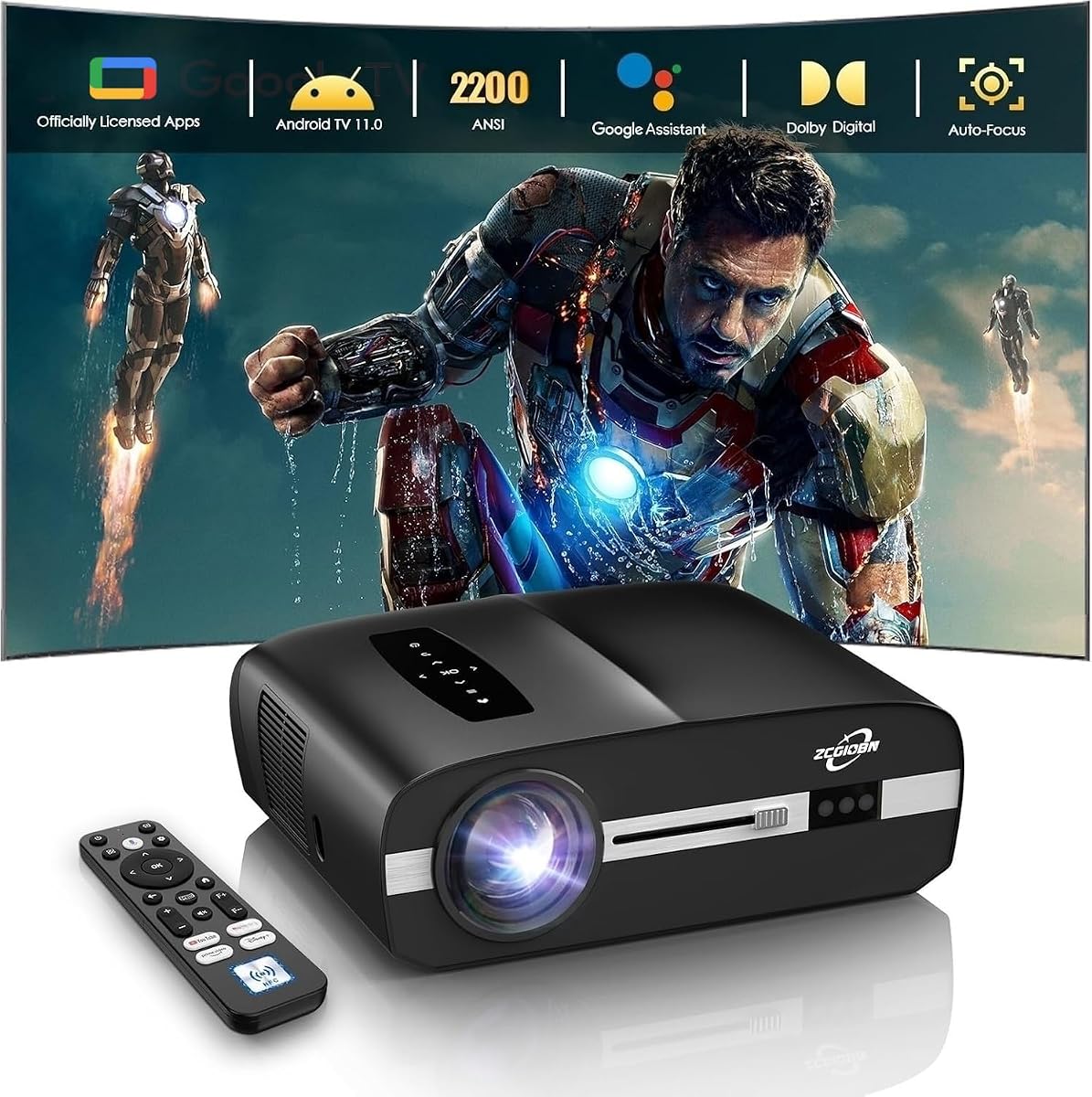
This 4K Projector for Golf offers an accessible way to get 4K resolution and HDMI brightness for simulators. It includes Google TV and auto setup features to simplify installation in a garage or basement.
We may earn a commission when you buy through this link, at no additional cost to you.
Its fully sealed optical engine helps protect internal components from dust which is beneficial for dusty environments like home workshops. The 40W Dolby Audio speakers add immersive sound without external amps.
While not a short throw model it can still deliver a large image with proper placement behind the golfer. It supports MEMC technology to reduce motion blur during gameplay and sports viewing.
This option suits users who want streaming apps and easy setup alongside simulator use. It balances cost and features well for casual golf simulation and home theater needs.
A fully sealed optical engine protects internal components from dust ensuring stable performance in garage or workshop environments.
Built-in Google TV allows access to apps and services directly on the projector making it a versatile media hub beyond gaming.
We may earn a commission when you buy through this link, at no additional cost to you.
The BenQ TH575i brings 3800lm brightness and a licensed Google TV dongle to the table for versatile home entertainment. Its low input lag makes it suitable for gaming and interactive simulation software.
We may earn a commission when you buy through this link, at no additional cost to you.
Auto Vertical Keystone correction allows for easy placement on tables or shelves without requiring a perfectly square setup. This flexibility helps when ceiling mounting is not an option.
While it has a lower rating compared to others the features offer good value for mixed use cases. It delivers bright images that work well in rooms with some ambient light during play.
This projector is a viable option for those who want built-in streaming and solid brightness. It serves both simulator sessions and movie nights effectively in a home setting.
An officially licensed Google TV dongle is included providing easy access to streaming services without additional hardware.
At 16.7ms input lag this model supports responsive gameplay essential for precise simulation feedback and competitive gaming.
We may earn a commission when you buy through this link, at no additional cost to you.
The BenQ LU935ST delivers 5500 ANSI Lumens for impactful visuals in any environment. Its WUXGA resolution and laser source provide vibrant sharp images for professional presentations.
We may earn a commission when you buy through this link, at no additional cost to you.
Flexible installation includes vertical lens shift of up to 60% allowing alignment without distorting the image. This helps in mounting the projector high above a swing zone.
While it lacks a specific golf mode its brightness and throw ratio make it adaptable for large screen setups. The HDBaseT connectivity ensures reliable signal transmission over longer cable runs.
This model is suited for commercial or professional-grade home installations. It offers the reliability and brightness needed for consistent simulation performance in varied lighting.
With 5500 ANSI lumens this projector handles well-lit rooms effectively ensuring clear visibility during daytime practice sessions.
Vertical lens shift allows perfect image alignment without digital correction maintaining high picture quality and sharpness.
We may earn a commission when you buy through this link, at no additional cost to you.
The BenQ W4100i offers true 4K resolution with 100% DCI-P3 color coverage for superior color volume and accuracy. HDR-PRO technology enhances details in dark and bright scenes.
We may earn a commission when you buy through this link, at no additional cost to you.
Its certified Android TV entertainment brings pre-loaded apps for seamless streaming. The LED light source provides a long life of over ten years for reduced maintenance.
Lens shift and zoom enable flexibility in setup making it easier to align images without distortion. This helps adapt the projector to various room dimensions.
This projector excels for those who prioritize color quality and smart features. It is a strong choice for home theater and visual simulation tasks where accuracy matters.
With 100% DCI-P3 coverage colors appear vivid and accurate out of the box thanks to factory calibration and LED technology.
Certified Android TV allows easy access to streaming content and apps directly from the projector interface.
We may earn a commission when you buy through this link, at no additional cost to you.
The ViewSonic LS740W includes a Realistic Golf Simulation Mode designed to boost greens and blues for lifelike play. With 5500 ANSI lumens it maintains visibility in bright environments.
We may earn a commission when you buy through this link, at no additional cost to you.
Its 360-degree projection allows versatile mounting positions including portrait mode for unique layouts. The laser light source ensures long performance without frequent lamp changes.
While the resolution is WXGA the brightness and specialized mode offer practical benefits for simulation. It is a viable option for commercial training centers or large venues.
This projector suits users who need high brightness and specific golf settings. It provides reliable performance for professional or large-scale golf applications.
A specialized mode boosts greens and blues enhancing color accuracy and realism for virtual golf courses.
Support for 360-degree projection allows flexible placement options to suit various room configurations.
We may earn a commission when you buy through this link, at no additional cost to you.
The GoSports Cover provides protection for your simulator projector from mishits. It features a turf design that blends in with your setup and includes ventilation for airflow.
We may earn a commission when you buy through this link, at no additional cost to you.
Designed for floor mounting it avoids the cost of ceiling hardware and wiring. The universal fit accommodates most common projector models within its interior dimensions.
Built from durable HDPE with a polycarbonate panel it safeguards against accidental strikes at swing speeds. Air vents help reduce overheating during operation.
This accessory is essential for protecting expensive equipment in active rooms. It offers a practical solution for housing projectors safely without complex installation.
Ultra-durable HDPE protects the projector from mishits at any swing speed extending the lifespan of your device.
Designed to fit most common simulator projector models it offers a cost-effective alternative to custom mounting solutions.
We may earn a commission when you buy through this link, at no additional cost to you.
Selecting the right projector involves understanding brightness, throw distance, and compatibility with your simulator software and room dimensions.
Brightness measured in ANSI lumens determines how clear the image will be in your room. For golf simulators where ambient light may be present aim for at least 3000 lumens to ensure vibrant visuals.
Higher brightness ensures the image remains clear even if you cannot fully darken the space.
Throw distance refers to how far the projector must be from the screen to achieve a certain size. Short throw projectors allow placement closer to the screen reducing shadows cast by players.
Choose a throw ratio that fits your room layout to avoid obstructing swing paths.
Resolution impacts the sharpness of the course details and text. Full HD 1080p is standard but 4K offers more detail for realistic textures and crisp UI elements.
Higher resolution provides a more immersive experience if your simulator software supports it.
Input lag is the delay between a signal being sent and the image appearing. Low input lag ensures that swing feedback appears instantly maintaining immersion and timing.
Look for gaming optimized models if latency is a concern for your software.
Connectivity options like HDMI ensure you can connect your simulator computer or gaming console easily. Multiple ports allow flexibility if you have multiple devices.
Ensure the projector has the right inputs for your setup.
Laser or LED light sources offer longer lifespans compared to traditional lamps. They require less maintenance and provide consistent brightness over time.
Laser technology is ideal for reducing ongoing costs and ensuring reliability.
Color accuracy ensures that greens and fairways look realistic. Look for models with high Rec. 709 or DCI-P3 coverage for better visual fidelity.
Accurate colors enhance the immersion and realism of the simulation.
Budget varies widely across options ranging from affordable to premium. Consider your specific needs and prioritize brightness and resolution accordingly.
Higher price models often offer better brightness and throw features.
Position the projector according to its throw ratio guidelines to ensure the image fills the screen properly. Use lens shift or keystone correction to align edges without distortion.
Keep the projector clean by wiping the lens gently with a microfiber cloth. Ensure vents are not blocked to allow proper airflow and prevent overheating during sessions.
Update firmware when available to maintain performance and compatibility. Regular maintenance extends the life of the light source and keeps the image quality consistent.
For indoor golf simulators a brightness of 3000 ANSI lumens or higher is recommended. This ensures images remain clear even in rooms with ambient light. Higher brightness helps maintain realism during daytime use.
Yes short throw projectors allow placement closer to the screen reducing the shadow cast by players. This keeps the view clear and the projector out of the swing zone for uninterrupted play.
A 1080p projector is suitable for most golf simulators and offers clear images. Many popular models support 1080p with high brightness for a cost effective solution. Higher resolution helps if you prioritize detail.
Laser and LED light sources typically last 20000 hours or more. This means years of use without lamp replacements. Traditional lamps may need replacing sooner.
A special mode helps optimize colors but is not strictly necessary. Many simulators work well with standard modes if brightness is high. Look for modes that enhance greens and contrast.
Ceiling mounting saves floor space and keeps the unit out of the swing path. Ensure you have the proper hardware to install the projector securely. Floor covers are an alternative.
The BenQ AH700ST stands out for its dedicated golf mode and brightness offering a balanced choice for serious users. The TH671ST provides value with strong gaming performance for those on a budget.
Prioritize brightness and throw distance to ensure the best fit for your space. High resolution and low input lag also contribute to a realistic immersive experience during practice sessions.
Prices and availability change so check current listings before purchasing. Review your specific room dimensions and software needs to make the most informed decision.